⭐ Popular with families
Lapooa™ LightPad Pro
Screen-Free Creativity for Curious Kids
➤ Compact & Travel-Friendly
➤Gentle, eye-friendly LED light
➤ USB-powered — simple and safe
Couldn't load pickup availability
Shipping & Returns
Shipping & Returns
Shipping
Orders are processed within 1–2 business days before shipping.
Delivery typically takes 8–14 business days, depending on your location.
We’ll send tracking details as soon as your order is on the way.
Returns
We offer a 90-day return window.
If the LightPad doesn’t feel right for your family, simply send it back for a refund — no questions asked.
How Does It Work?
How Does It Work?
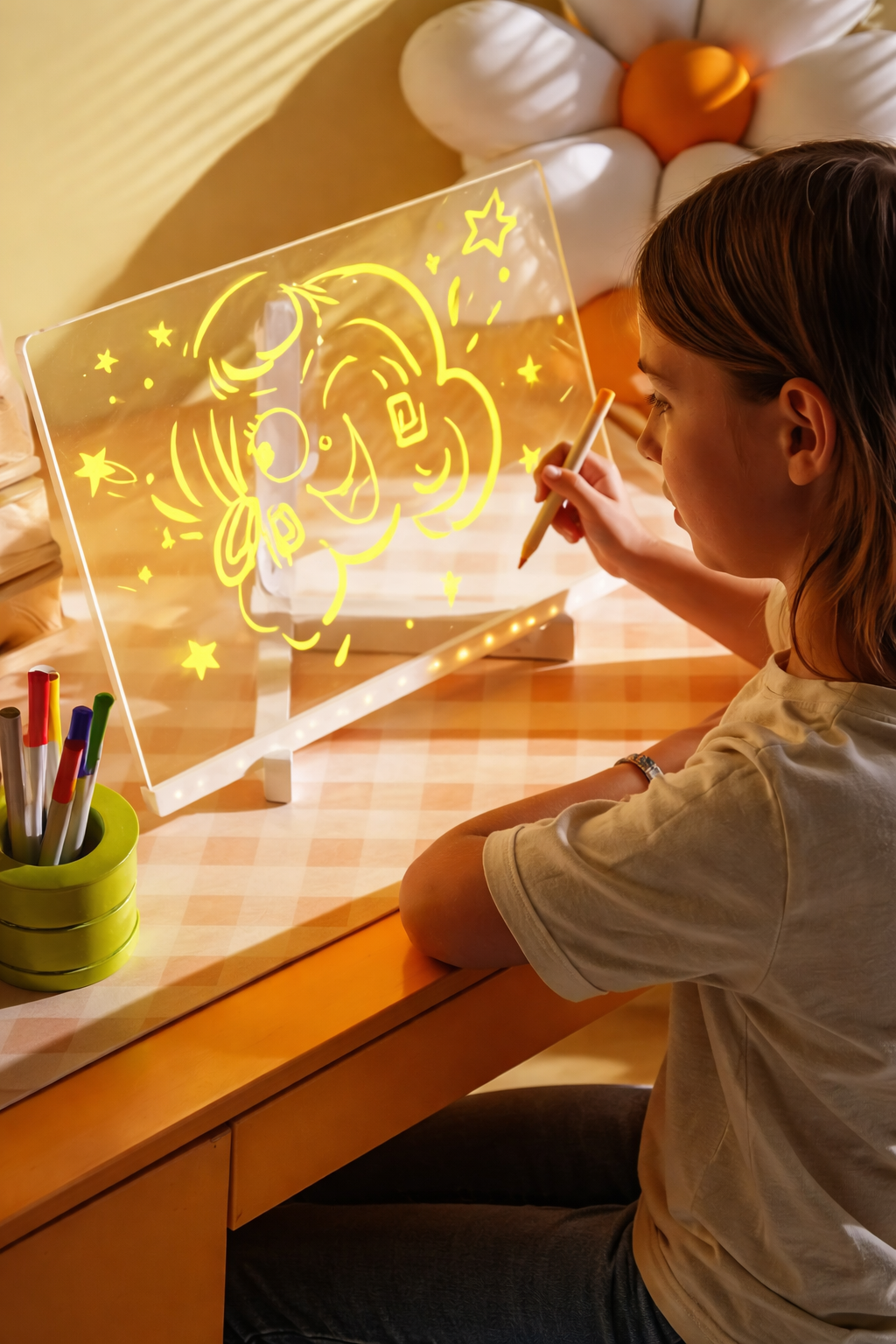
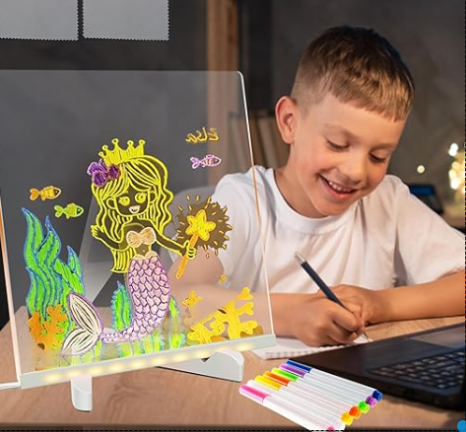
The Lapooa LightPad Pro™ uses a soft, evenly lit LED surface to make drawing and tracing easy and comfortable for kids.
Simply place a drawing or template on the LightPad, add a sheet of paper on top, and connect it via USB to a laptop, power bank, or wall adapter. With a gentle touch, you can adjust the brightness to suit different lighting conditions.
The smooth, flicker-free glow helps children see lines clearly without harsh glare — making it ideal for tracing, handwriting practice, colouring, or creative play.
No setup. No mess. Just calm, screen-free creativity.
Key Features
Key Features
• Soft, evenly lit LED surface
• Adjustable brightness for different lighting
• Flicker-free and gentle on young eyes
• Slim, lightweight, and easy to carry
• Smooth surface for tracing and drawing
• USB-powered — works anywhere
• Stays cool during use

Free Shipping
90-Day Guarantee
12 Months Warranty
Play Brighter. Learn Smarter. Create Anywhere.
The Lapooa LightPad Pro turns everyday moments into calm, screen-free creative time.
Perfect for travel, quiet time, and creative play at home — it helps kids stay focused and relaxed wherever they are.
How the Lapooa LightPad Pro Works
1. Turn it on
Connect the LightPad via USB and tap to adjust the soft, eye-friendly light.
2. Draw or trace
Place a drawing or template underneath, add paper on top, and start creating. Lines show through clearly without glare.
3. Enjoy creative time
The gentle glow makes drawing, tracing, and colouring calm and enjoyable — at home or on the go.
Playful & Parent-Focused
With its gentle LED glow, the Lapooa LightPad Pro makes drawing and tracing easy and enjoyable for kids.
Whether they’re copying simple shapes, practising handwriting, or just drawing for fun, it offers calm, screen-free creative time that parents can feel good about.
Take It Anywhere
Lightweight and easy to carry, the Lapooa LightPad Pro is designed for creative time on the go.
It slips neatly into a backpack or travel bag, making it ideal for long car rides, holidays, or quiet moments at home.
Built for creative minds
The Lapooa LightPad Pro gives kids a simple, screen-free way to draw, trace, and explore ideas at their own pace.
Designed for quiet focus and everyday creativity, it fits naturally into home life without noise, mess, or screens.
Over 25k Units Sold & Here's What Our Customers Are Saying
Thoughtfully Designed for Everyday Creativity
The Lapooa™ LightPad Pro is designed to be simple, reliable, and easy to use — with an evenly lit surface that makes drawing and tracing comfortable for kids.
Built for everyday use, it’s sturdy enough for regular play while staying lightweight and easy to handle.
Frequently Asked Questions
How does the Lapooa LightPad Pro work?
The LightPad uses a soft, evenly lit LED surface that shines gently through paper, making lines easy to see for drawing and tracing.
Simply connect it via USB, place a drawing or template underneath, add paper on top, and adjust the brightness with a light touch. That’s it — no setup or complicated steps.
How do I use my Lapooa LightPad Pro?
Using it is simple:
- Plug the LightPad into any USB power source
- Place a drawing or template underneath the surface
- Put paper on top and turn it on
- Adjust the brightness with a gentle touch and start drawing or tracing
To clean, just wipe the surface with a soft, slightly damp cloth.
Can I use any marker on the Lapooa LightPad Pro?
We recommend using water-based neon or fluorescent markers designed for LED or writing boards.
Avoid permanent, oil-based, or alcohol markers, as these may stain or damage the surface.
How do I clean my Lapooa LightPad Pro?
Simply wipe the surface with a soft, slightly damp cloth.
Avoid abrasive cleaners or rough paper towels, as these can scratch the surface. Regular gentle cleaning keeps the LightPad looking clear and ready to use.
Is the Lapooa LightPad Pro safe for kids to use?
Yes. The Lapooa LightPad Pro uses low-voltage, energy-efficient LED lighting that stays cool during use.
It’s designed for safe, everyday creative play. As with most children’s products, adult supervision is recommended for younger kids.
“How long can I display the Lapooa LightPad Pro?”
The LightPad Pro can be used continuously while it’s connected to a USB power source.
Its LED lighting stays cool during use, making it suitable for extended creative time.